If you’re weighing Worship Online vs MultiTracks RehearsalMix, here is the short answer. RehearsalMix is an audio subscription from MultiTracks: you hear the original recording with your part turned up, or with your part taken out. Worship Online is a subscription with video lessons that teach each part of 800+ of today’s top worship songs, plus a practice mixer, charts and tabs in any key, and team setlists.
One lets you hear your part. The other shows you how to play it, then lets you hear it.
Want a lesson for your part before Thursday’s rehearsal? Try Worship Online with a free, no-risk 14-day trial.
Worship Online publishes this comparison, so you’re reading one company’s view. Every fact about MultiTracks and RehearsalMix comes from the MultiTracks website and its help center, checked on November 13, 2026. Prices and plans change, so check its site before you buy.
Key Takeaways
- RehearsalMix is one product of MultiTracks. Its help center calls it “an audio player”: an Up Mix with your part elevated, a Minus Mix with your part removed, and the original song, in all 12 keys.
- Worship Online teaches the part. Every instrument part comes with a detailed walkthrough and a real-time demo, filmed in hi-res and professionally edited, from instructors who have played for artists including Elevation Worship, Bethel, Kari Jobe, Lauren Daigle and Chris Tomlin.
- On 99% of songs, Worship Online’s mixer gives every instrument and vocal its own track, with the click and the guide on tracks of their own, in any key. Its chord charts and guitar and bass tabs change key too.
- One Worship Online plan holds the lesson, the tab, the chart and the mixer. At MultiTracks, RehearsalMix is the audio, sold by the seat; charts come with Chart Pro, its chart subscription, or with one of its bundles.
- On a Worship Online team plan, every player gets a role on the setlist, Electric 1 or Alto or Aux Keys, and opens the lesson for that part.
In this comparison:
- Worship Online vs MultiTracks RehearsalMix at a glance
- What RehearsalMix is, and how MultiTracks sells it
- What Worship Online is
- How many songs, and what you get on each
- Hearing your part vs learning your part
- Changing keys
- Practicing at home
- Teams and Planning Center
- Pricing, checked November 13, 2026
- Who each one fits
- Frequently asked questions
Worship Online vs MultiTracks RehearsalMix at a Glance
RehearsalMix details come from the MultiTracks website and its help center, checked November 13, 2026.
| Worship Online | RehearsalMix | |
|---|---|---|
| What it is | Video lessons for each instrument and vocal part, plus a mixer, charts, tabs and team tools | An audio player with rehearsal mixes of each part, from MultiTracks |
| How you learn a part | An instructor shows you: a walkthrough and a real-time demo for each part, and guitar and bass tabs that follow the video note by note | By listening: an Up Mix (your part elevated), a Minus Mix (your part removed) and the original song |
| Library | 800+ of today’s top worship songs, each one taught part by part | Part mixes for over 37,000 songs on its pricing configurator; over 41,000 on its product page |
| Sunday’s key | Mixer audio, chord chart and guitar and bass tabs all move to any key; lessons filmed in the original key | Mixes in all 12 keys |
| Practice audio | Every instrument and vocal on its own track, plus click and guide tracks; mute, solo, pan and volume on each; on 99% of songs | A ready-made Up Mix and Minus Mix for each part, with the click and guide built in; loop playback |
| Where you use it | Desktop, plus the iPhone, iPad and Android apps | The MultiTracks website, the ChartBuilder app on phones, tablets and computers, and Planning Center Services |
| For teams | Own logins, access levels, a part next to each name on every setlist, and Planning Center with a link to the lesson | A seat for each person, setlists on the MultiTracks website and in ChartBuilder, streaming in Planning Center with each person given access to their part |
| What the price buys (Nov 13, 2026) | Lessons, tabs, charts and the mixer in one plan: Solo $18/month; Small Team $37/month for up to 5, or $7.40 a member; annual billing 25% less | Part mixes, by the seat: 1 seat $9.99/month; 5 seats $16.99/month, or $14.95/month billed annually; charts come with Chart Pro or a bundle |
| Try first | A free, no-risk 14-day trial with full access to every tutorial | The Solo Practice Bundle, which includes RehearsalMix, offers a free trial |
What RehearsalMix Is, and How MultiTracks Sells It
RehearsalMix is the rehearsal audio subscription from MultiTracks. Its pricing page describes it in one line: “Listen to the original recording with specific instruments turned up or down.”
Each song gives you three ways to listen:
- Up Mix. Your part boosted loud in the mix, so you hear what was played on the original recording.
- Minus Mix. Your part muted, with every other part at normal volume, so you play along with the band.
- Original Song. The full recording.
MultiTracks says the mixes are created from the original master recordings. You can rehearse them in all 12 keys. You can listen on the MultiTracks website, in its ChartBuilder app on phones, tablets and computers, or inside Planning Center Services. Its help center notes that each part’s mix has the click and guide built into the audio.
How you can buy it. MultiTracks sells RehearsalMix on its own and in three bundles:
- RehearsalMix on its own. Sold by the seat. Every person who streams the mixes needs a seat, and an admin can move a seat to another team member at any time.
- Solo Practice Bundle. For one person: one RehearsalMix seat and one ChartBuilder seat, with charts inside the ChartBuilder app. MultiTracks’ help center points individuals to this bundle.
- Rehearse Bundle. For teams: RehearsalMix and ChartBuilder seats together, plus Chart Pro, its chart subscription.
- MultiTracks One. Its all-in-one bundle, which includes RehearsalMix along with its Playback app, rentals, charts, pads and licenses.
One name to keep apart: RehearsalPack is a different MultiTracks product. It attaches the original song audio and a chart to your songs in Planning Center. Its FAQ explains that the “Up” and “Down” part mixes come from RehearsalMix, and that a RehearsalPack subscription includes a single RehearsalMix seat.
What Worship Online Is
Worship Online is a full-band worship training system: a lesson for what each person on stage plays or sings.
Every instrument part comes with a detailed walkthrough and a real-time demo. Guitar lessons cover what to play, what tone to use, and how your part fits in the full band. Keys lessons show every layer, patch and voicing used on the album. Vocal lessons teach the harmony lines, note for note. Every lesson is filmed in hi-res and professionally edited, so you can see and hear exactly what to play and sing.
The instructors have played for artists including Elevation Worship, Bethel, Kari Jobe, Lauren Daigle and Chris Tomlin.
Around the lessons sit the tools you use the week of a service: a mixer, chord charts, a chart builder, guitar and bass tabs, setlists and Planning Center. Over 9,000 worship teams and over 17,000 worship team members use it.
How Many Songs, and What You Get on Each
MultiTracks lists part mixes for over 37,000 songs on its RehearsalMix pricing configurator. Worship Online’s library holds 800+ songs, drawn from today’s top worship songs, and it keeps growing: Goodness Of God, Gratitude and Way Maker are all in it.
The difference is what sits behind each song.
On RehearsalMix, a song gives you audio: an Up Mix and a Minus Mix for each part, plus the original. On Worship Online, a song gives you lessons: a walkthrough and a real-time demo for each instrument part, the harmony lines taught note for note, tabs that follow the video, a chart in your key, and, on 99% of songs, a mixer with every track.
So the question to ask is less about how many songs a library holds, and more about what you get on the song your leader just added to Sunday’s set.
Hearing Your Part vs Learning Your Part
Picture Wednesday night. Your leader has added a new song to Sunday’s set. You play bass. You’ve never played it.
With RehearsalMix, you open the bass Up Mix and hear the bass from the original recording, louder than everything else. When you think you have it, you switch to the Minus Mix and play along with the band. If you already learn parts by ear, that is a clear way to hear one.
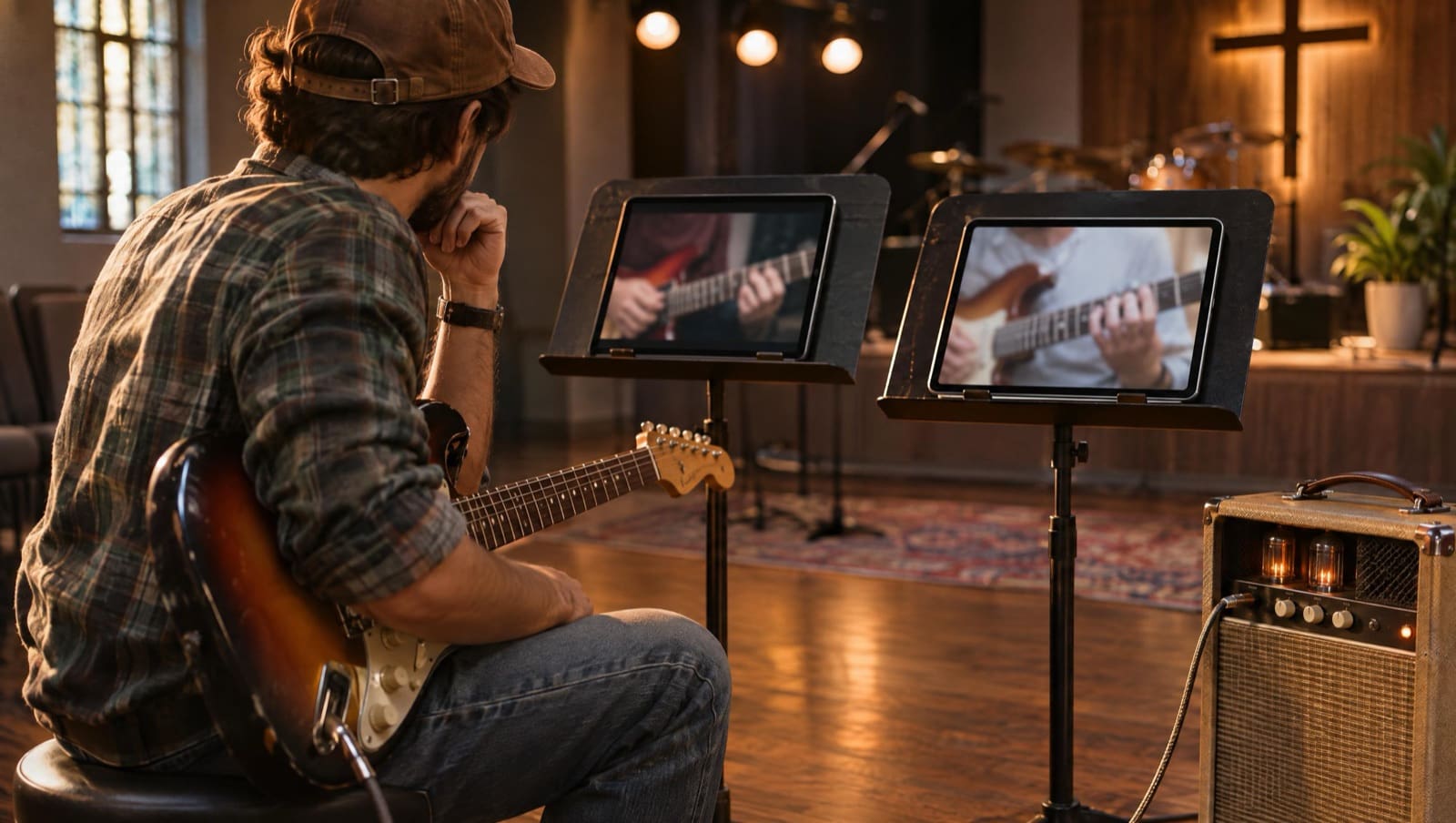
With Worship Online, you open the bass lesson. An instructor walks you through what to play, step by step. Then you watch a real-time demo of the whole part. You follow the bass tab with the video, note by note, and slow down or loop the section that trips you up.
Then you open the mixer, solo the bass track to check every note, mute it, and play along with the band.
Someone shows you the part, step by step.
That matters most for the player who can hear the line but can’t find it on the neck, or the singer who hears a harmony in the mix and isn’t sure which one is theirs. Worship Online is built so you can play the parts from the record even if you don’t play by ear.
Want to see a lesson for your part on a song from your next set? Start your free, no-risk 14-day trial of Worship Online. Or look inside first with the demo song, Way Maker by Leeland.
Changing Keys: What Moves on Each
Your worship leader drops the song a whole step, two days before Sunday. Here is what each one gives you.
On Worship Online, three things change to any key: the mixer audio, the chord chart, and the guitar and bass tabs. You can also set each song’s key in a setlist and print the chart in that key.
The video lessons are recorded in the original key. You learn the part from the lesson, then practice it in Sunday’s key with the mixer, chart and tabs, all inside one plan. Here’s how key changes work on Worship Online. Guitarists can read more in worship guitar tabs in every key.
On RehearsalMix, the mixes are available in all 12 keys. On the MultiTracks website, you adjust the key on a song’s RehearsalMix tab, or your leader sets it when building the setlist.
Practicing at Home
You have 20 minutes before bed.
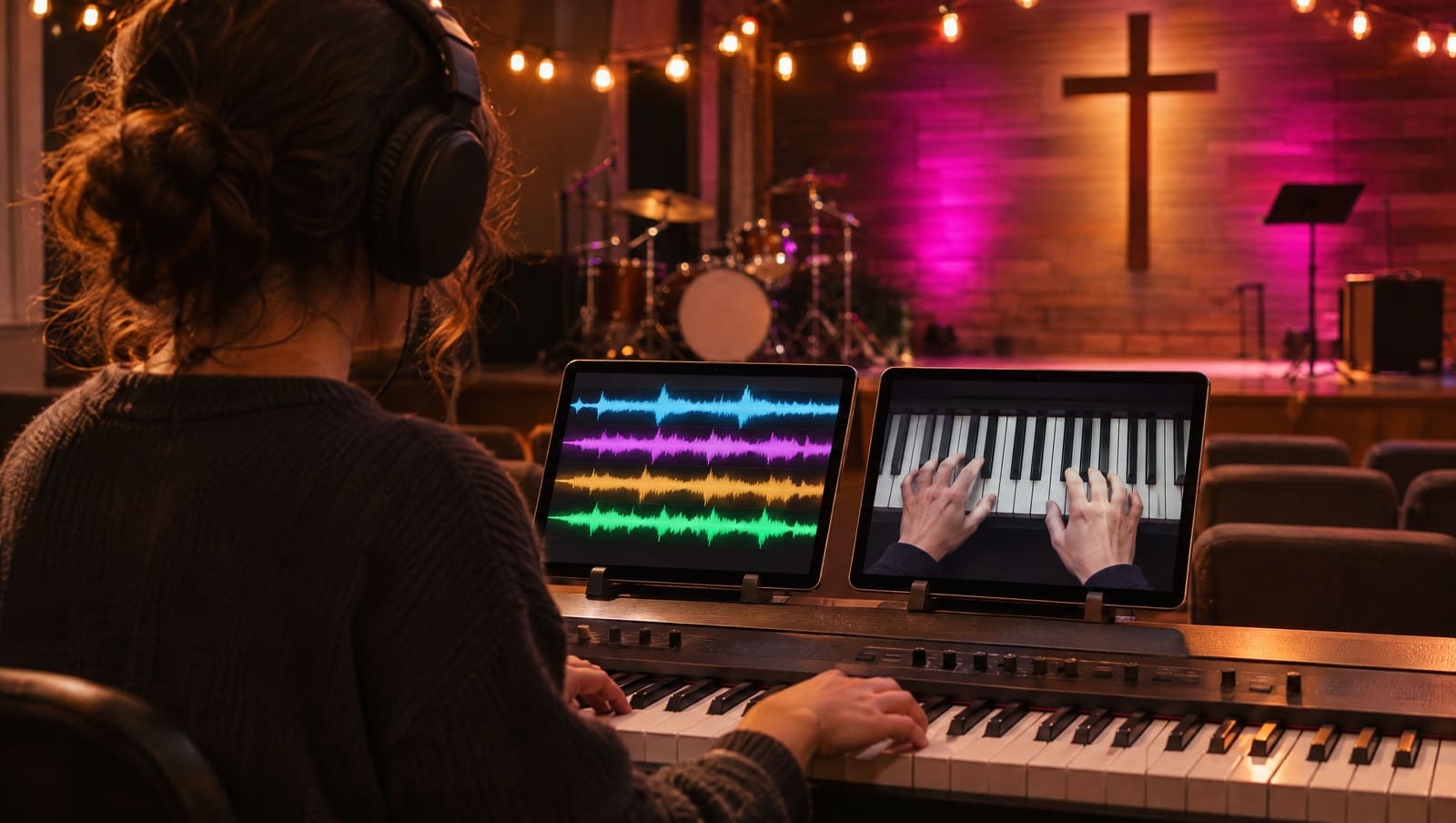
Worship Online’s mixer gives you a separate track for each instrument and vocal, plus a click and a guide. Each track has mute, solo, pan and volume, the click and guide included, so you can turn either one down or off. You build the mix you need: drums and bass only, or the full band without your part, or your part alone.
The mix saves itself, so it’s there next time. The mixer is on 99% of songs, on desktop and in the iPhone, iPad and Android apps. You can also slow a lesson down and loop a section.
RehearsalMix gives you a ready-made mix for your part. On the website you toggle between Up Mix and Minus Mix, set the volume, and loop the file. In the ChartBuilder app, the loop control repeats the current song section, and you can choose which part’s mix to hear. Its product page says you can open any RehearsalMix in ChartBuilder and listen to your part while you follow the chart.
RehearsalMix gives you a mix made for your part. Worship Online’s mixer gives every track, click and guide included, its own mute, solo, pan and volume.
Teams and Planning Center
If you lead the team, here is how each one works.
Worship Online’s team tools:
- Own logins and access levels. Invite each member and make them a Leader, Setlist Planner, or Musician/Vocalist.
- A role on every setlist. Assign Electric 1, Electric 2, Bass, Drums, Main Keys, Aux Keys, or Lead, Tenor, Alto or Soprano vocals to each person.
- One-click notice. Publish the setlist, with the parts, keys and tutorials on it, and your team gets an email and an in-app notification.
- Planning Center. Add a song to Planning Center and it arrives as an arrangement with your key, your song structure, a chord chart PDF and a link to the tutorial.
So your alto opens the setlist, sees “Alto” next to her name, and goes straight to the alto lesson. Her part and the lesson that teaches it are in one place.
RehearsalMix for teams: you add people to your MultiTracks organization and give each one a RehearsalMix seat. You can build setlists on the MultiTracks website and add your team to them, so everyone hears the mixes for those songs in the keys you chose. With the Planning Center connection, anyone with a seat can stream the mixes inside Planning Center Services, and you can give each person access to their part.
Both connect to Planning Center. RehearsalMix sends the part mixes. Worship Online sends the chart, the key and a link to the lesson that teaches the part.
Pricing, Checked November 13, 2026
These are list prices from each company’s own site on November 13, 2026. Read each one with what it buys.
Worship Online (monthly billing; lessons, tabs, charts and the mixer on every plan):
| Plan | Members | Per month | Per member |
|---|---|---|---|
| Solo | 1 | $18 | $18.00 |
| Small Team | Up to 5 | $37 | $7.40 |
| Medium Team | Up to 10 | $59 | $5.90 |
| Large Team | Up to 20 | $89 | $4.45 |
| XLarge Team | Up to 35 | $132 | $3.77 |
What Worship Online’s price pays for. $18 a month buys a lesson for your part on 800+ songs: a walkthrough and a real-time demo from an instructor, filmed in hi-res. It also buys the guitar and bass tabs that follow the video, the chord chart and chart builder, and the mixer (on 99% of songs) with every instrument on its own track, all in Sunday’s key. On a Small Team plan, five players share $37 a month, which is $7.40 each, and every one of them gets a role on every setlist.
Annual billing costs 25% less than paying monthly. Every plan gives you every tutorial and chart for 800+ songs, the mixer and the mobile apps; team setlists come with team plans. Backing tracks are not part of any Worship Online plan. Full details are on the pricing page.
RehearsalMix on its own (part mixes, priced by the seat, as shown on its pricing configurator):
| Seats | Billed monthly | Billed annually, per month |
|---|---|---|
| 1 | $9.99 | $8.99 |
| 5 | $16.99 | $14.95 ($179.40 a year) |
| 10 | $24.99 | $22.49 |
| 15 | $32.75 | $29.48 |
| 20 | $40.20 | $36.18 |
Charts at MultiTracks come through Chart Pro, which its help center calls “a full-fledged chart subscription,” or through one of the bundles below.
MultiTracks bundles that include RehearsalMix:
| Bundle | What it adds | Price |
|---|---|---|
| Solo Practice Bundle (1 person) | 1 RehearsalMix seat, 1 ChartBuilder seat, charts in ChartBuilder | $5.99/month, or $4.99/month billed annually |
| Rehearse Bundle (team of 5) | RehearsalMix and ChartBuilder seats, plus Chart Pro | $38.96/month, or $34.99/month billed annually |
| MultiTracks One | RehearsalMix plus Playback Premium, rentals, charts, pads and licenses | From $134.99/month, billed annually (sold on one-year or two-year plans only) |
MultiTracks notes that the Solo Practice Bundle “is priced and optimized for individuals and does not scale for teams.”
Side by side, the two prices buy different things. A RehearsalMix seat buys one person the part mixes. A Worship Online plan buys the lesson that teaches the part, plus the tab, the chart and the mixer to practice it.
So ask one thing about the person who needs help this week: can they learn the part by ear? If not, they need someone to show them. You can see how Worship Online does that without paying: the free, no-risk 14-day trial gives you full access to every tutorial.
Who Each One Fits
RehearsalMix may fit you if:
- You learn parts by ear and want to hear your part louder in the original recording
- Your church already runs on MultiTracks, with its tracks, charts or the Playback app, and streams part mixes in Planning Center
Worship Online may fit you if:
- You want someone to show you the part, step by step, with a real-time demo
- You play guitar or bass and want tabs that follow the video note by note, and change to any key
- You sing harmony and want the tenor or alto line taught, not just heard
- You want to solo or mute any instrument in a mixer, click and guide included, and practice in Sunday’s key
- You want the lesson, the tab, the chart and the mixer in one plan
- You lead a team and want to send every player their part on one setlist
Frequently Asked Questions
What is MultiTracks RehearsalMix?
RehearsalMix is a rehearsal audio subscription from MultiTracks. For each song you can play an Up Mix with your part elevated, a Minus Mix with your part removed, or the original song, in all 12 keys. You can use it on the MultiTracks website, in the ChartBuilder app and in Planning Center Services.
How much does RehearsalMix cost?
On November 13, 2026, MultiTracks listed RehearsalMix at $9.99 a month for one seat, or $16.99 a month for five seats ($14.95 a month billed annually). It also comes in the Solo Practice Bundle ($5.99 a month, or $4.99 billed annually), the Rehearse Bundle (from $34.99 a month billed annually for a team of five) and MultiTracks One (from $134.99 a month, billed annually). A seat covers the part mixes; charts come with Chart Pro or a bundle. Check its site for current prices.
What does Worship Online’s price include?
Every plan includes every tutorial and chart for 800+ songs, guitar and bass tabs in any key, the mixer (on 99% of songs) and the mobile apps. Team plans add setlists with a role for each player; the Small Team plan is $37 a month for up to five players, or $7.40 each. See the pricing page for every plan.
Is RehearsalMix the same as RehearsalPack?
No. They are two MultiTracks products. RehearsalPack attaches the original song audio and a chart to your songs in Planning Center. RehearsalMix adds part mixes with each instrument or vocal turned up or removed. MultiTracks says a RehearsalPack subscription includes one RehearsalMix seat.
Does Worship Online have a mixer like RehearsalMix?
Worship Online has a mixer with a separate track for each instrument and vocal, plus click and guide. You can mute, solo, pan or change the volume of any track, and change the key. It’s on 99% of songs, alongside the video lessons for each part.
Is Worship Online free to try?
Yes. Worship Online offers a free, no-risk 14-day trial with full access to every tutorial, plus the team tools on team plans. You can also open its demo song, Way Maker by Leeland, from the features page.
Can I use Worship Online and RehearsalMix together?
Yes. If your church already subscribes to RehearsalMix, you can learn your part from a Worship Online lesson and tab, then rehearse with either the part mix or Worship Online’s own mixer. For more options, see our guide to worship music learning platforms and our Worship Online vs Worship Artistry comparison.
Conclusion
The Worship Online vs MultiTracks RehearsalMix choice comes down to one thing: does the person who needs help this week need to hear the part, or be taught it?
If you already learn by ear and your church runs on MultiTracks, RehearsalMix puts your part up front in the original recording. If you want someone to show you the part, then a tab, a chart and a mixer to practice it in Sunday’s key, Worship Online puts all of that in one plan. And if you lead a team, it puts every player’s part on one setlist.
Here’s what that looks like inside:
Start your free, no-risk 14-day trial of Worship Online. Pick a song from your next set and open the lesson for your part. Watch the walkthrough, then the real-time demo. Change the chart, and your tab if you play guitar or bass, to Sunday’s key. Then open the mixer, which is on 99% of songs, solo your track, mute it and play along with the band. If you lead a team, put a role next to every name on the setlist and send it. You get tutorials for 800+ of today’s top worship songs, on a platform over 9,000 worship teams use. Walk into rehearsal with your part learned.
Not ready yet? Start with a free resource
Pick your instrument. Each one is free.