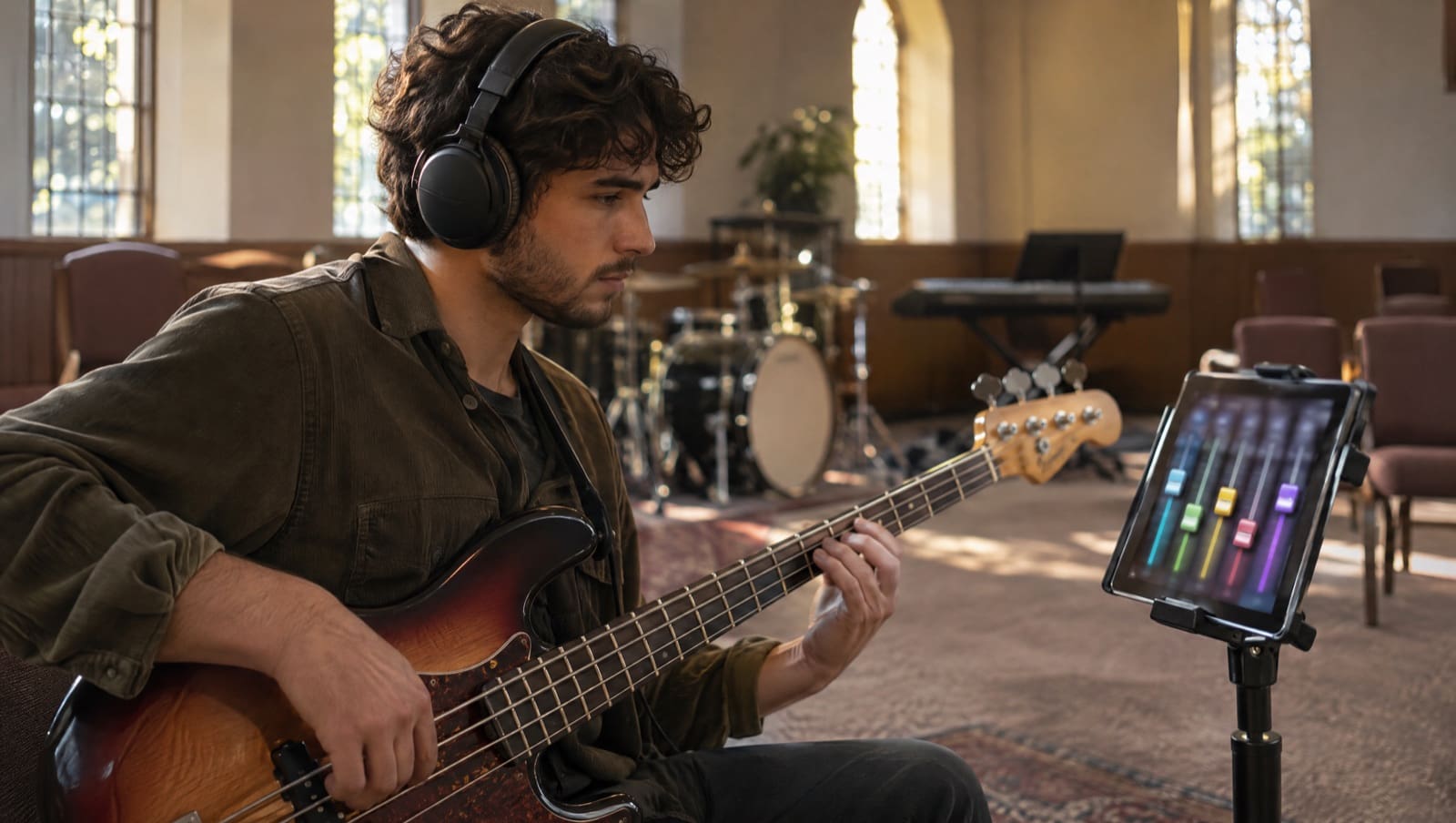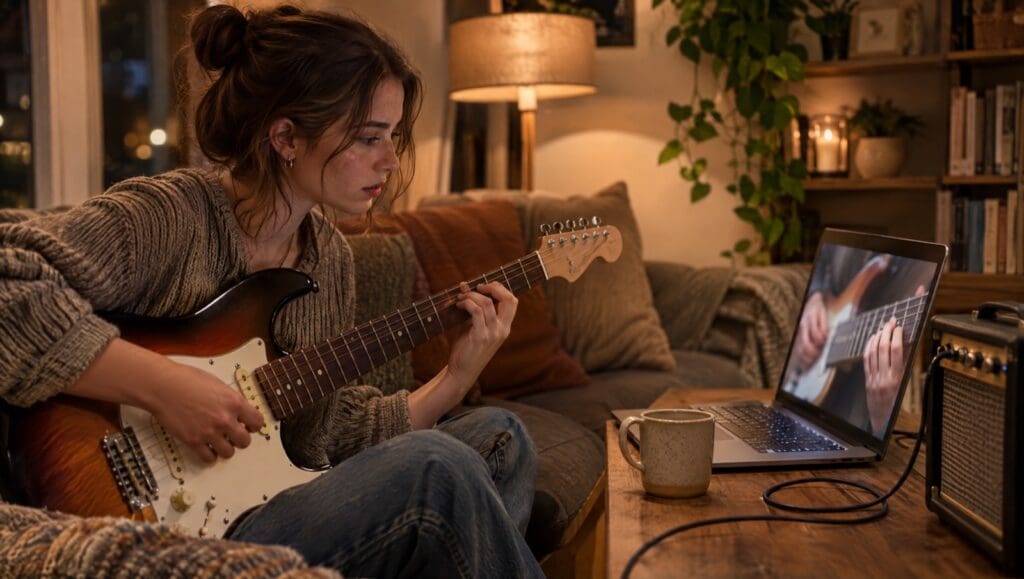
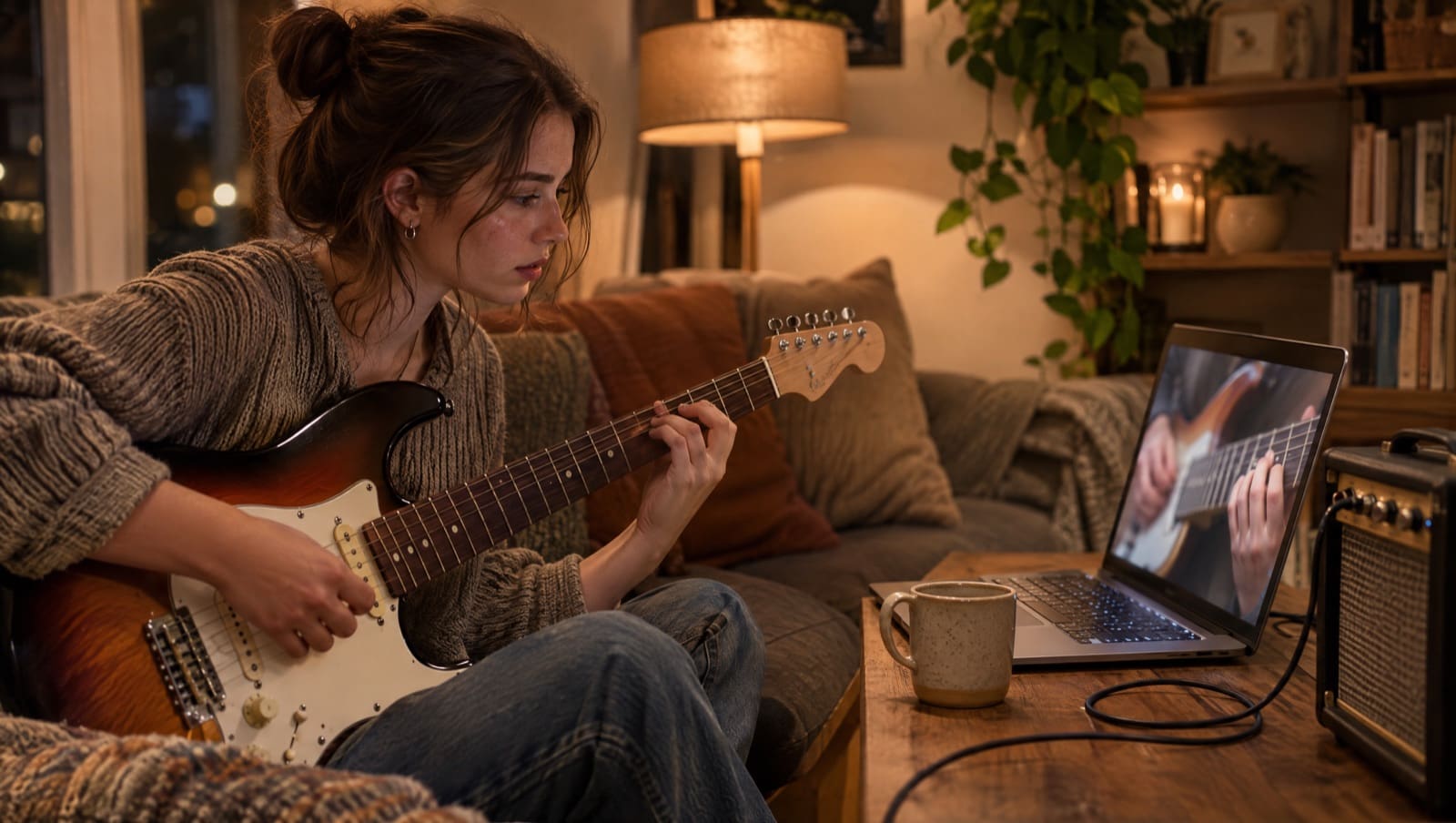
Looking for free worship tutorials on YouTube? Start there. You can find them for a lot of songs, and Worship Online posts its own free demos on YouTube too.
A demo lets you hear the part and decide if you can play it. The full lesson inside Worship Online adds the rest: every part of the song, each taught as it was played on the album, a mixer to practice with, and charts and tabs in the key your leader chose.
Open the full lessons with a free, no-risk 14-day trial.
Key Takeaways
- Worship Online posts short, free demos for single instruments on its YouTube channel, for many of its songs.
- Each demo comes from a full lesson. On Gratitude by Brandon Lake, the free guitar demo is one video. Inside, Electric 1, Electric 2 and Acoustic each get a real-time demo and a lesson of their own.
- The mixer lets you solo your part, mute it and play along with the band in any key. The chord charts and the guitar and bass tabs change key too.
- A team plan puts your songs, parts and setlists in one place, with a role for each player.
- Plans run from $18 a month, less with annual billing, and each plan on the pricing page starts with a free, no-risk 14-day trial.
On this page:
- Free worship tutorials on YouTube: start with ours
- What the full lesson adds
- The part as it was played on the album
- In the key your leader chose
- One place for the whole team
- What it costs
- How to use both
- Frequently asked questions
Free Worship Tutorials on YouTube: Start With Ours
Worship Online publishes this page, and it runs a YouTube channel of its own. On many songs, the channel has a short demo for each instrument.
Take Gratitude by Brandon Lake. Worship Online’s channel has five free demos for it:
- Drums, 52 seconds
- Keyboard, 1 minute
- Electric and acoustic guitar, 1 minute 29 seconds
- Bass, 1 minute 14 seconds
- Vocal harmony (alto and tenor), 54 seconds
Here’s the guitar demo:
Each video’s description sends you to the full tutorial on Worship Online. Watch one and you’ll know two things fast. Is this the part you hear on the record? And is it a part you can play?
If the answer to both is yes, you’re ready for the full lesson. Want to see one before you sign up? Way Maker by Leeland is Worship Online’s demo song, and you can watch its lessons without an account.
What the Full Lesson Adds
Here is what sits behind those five free demos for Gratitude, taken from the song’s lesson list in Worship Online.
| Gratitude | Worship Online’s free YouTube demos | Inside Worship Online |
|---|---|---|
| Electric guitar | One demo for electric and acoustic together | Electric 1 and Electric 2, each with a real-time demo and a lesson, plus a Both Electrics video; a tab for each part |
| Acoustic guitar | (In the guitar demo above) | Acoustic demo and lesson, plus an acoustic tab |
| Keys | One keyboard demo | Main Keys and Aux Keys, each with a demo and a lesson, plus both parts together |
| Bass | One bass demo | Bass demo and lesson, plus a bass tab |
| Drums | One drum demo | Drum demo and lesson |
| Vocals | One harmony demo (alto and tenor) | All Vocals, Tenor and Alto videos |
So if you play second electric, you skip the combined guitar demo and open Electric 2. If you play second keys, you open Aux Keys. If you sing tenor, you open Tenor.
Worship Online’s features page puts it simply: every instrument part comes with a detailed walkthrough and a real-time demo. The walkthrough is where you learn it. The demo is where you check it at full speed.
The Part as It Was Played on the Album
Before you spend an evening on a part, you want to know it’s the one on the record. Worship Online builds its lessons around that.
- Guitar. What to play, what tone to use, and how your part fits in the full band mix.
- Keys. The layers, patches and voicings used on the album.
- Drums. Each groove, fill and transition as it’s played on the record.
- Vocals. Each harmony line, note for note, as it’s sung on the record.
Worship Online’s instructors have played for artists including Kari Jobe, Lauren Daigle, Elevation Worship, Bethel, Chris Tomlin, Matt Redman, For King & Country and Cody Carnes.
You also get tools for the hard bars. Slow any lesson video down. Loop the section you keep missing. On guitar and bass, follow the interactive tab note by note with the video.
Darren, a drummer at The Belonging Co., put it this way on Worship Online’s site: “I’m constantly saying ‘Oh! That’s how they play that part!’”
In the Key Your Leader Chose
It’s Wednesday night. Your leader texts that Way Maker is moving from E down to D for Sunday.
Here is what you do in Worship Online:
- Open the mixer and transpose it to D. On Way Maker, the mixer has its own track for Electric 1, Electric 2, Acoustic, Main Keys, Aux Keys, Bass, Drums, Percussion, a choir, and Lead, Tenor and Soprano vocals, plus a click and a guide.
- Solo your part. Hear only Electric 2, in D, as many times as you need.
- Mute it and play along. Now the band plays in Sunday’s key and you fill the gap. Your mix saves itself for next time.
- Pull up the chart and tab in D. Chord charts change to any key, with a capo setting. Guitar and bass tabs change to any key too.
The lesson video teaches the part in the album’s key. The mixer, the chart and the tabs then move it to yours. Here’s how key changes work.
The mixer is on 99% of Worship Online’s songs, on desktop and in the iPhone and Android apps.
Want to try it yourself? Start a free, no-risk 14-day trial and open the mixer on Way Maker.
One Place for the Whole Team
If you lead a team, the question is bigger than one part. It’s whether everyone learns from the same version of the song.
On a team plan, you build the setlist in Worship Online and give each person a role, such as Electric 1, Electric 2, Bass, Drums, Main Keys, Aux Keys, or Lead, Tenor, Alto or Soprano vocals. You set each song’s key. When you publish, your team gets an email and an in-app notice.
Each player opens the setlist, opens the song, and goes to the lesson for their part. The chart prints in the key you set. Rehearsal can start with a band that already knows the song.
More than 9,000 worship teams use Worship Online. If you’re weighing team tools in general, see our guide to worship team apps.
What It Costs
A free demo costs nothing, and you should use it. Here is what the full lessons cost, from Worship Online’s pricing page on November 16, 2026:
- Solo: $18 a month for one person
- Small Team: $37 a month for up to 5 members, or $7.40 each
- XLarge Team: $132 a month for up to 35 members, or $3.77 each
- Annual billing: 25% cheaper, the same as three months free
Every plan includes every tutorial and chart for 800+ worship songs, and team plans add the team tools. On Solo, that is the whole library for $18 a month, whether you learn one song this week or six.
You can cancel from your account settings at any time. If you keep it, the trial becomes the plan you picked.
How to Use Both
You don’t have to pick a side. Here’s a simple way to use both before Sunday:
- Hear it free. Watch a free demo for your instrument on YouTube. Decide if it’s your part.
- Learn your exact part. Open the song in Worship Online and go to your part’s lesson. Slow it down and loop the hard bars.
- Practice in Sunday’s key. Transpose the mixer, solo your track, then mute it and play along.
- Walk in ready. Print the chart in your key and bring it to rehearsal.
If you mostly play guitar, our worship guitar lessons guide goes deeper on the guitar parts. To compare paid platforms, see the worship music learning platforms we compared.
Frequently Asked Questions
Can you learn worship songs on YouTube for free?
You can start there. You’ll find free tutorials for many worship songs on YouTube, and Worship Online posts short, free demos there for single instruments on many of its songs. On Gratitude by Brandon Lake, they run from 52 seconds to 1 minute 29 seconds.
Is the free YouTube demo the same as the full lesson?
No. Worship Online’s YouTube demos for Gratitude are short previews of the full tutorial. Inside Worship Online, Gratitude has a separate demo and lesson for Electric 1, Electric 2, Acoustic, Main Keys, Aux Keys, Bass and Drums, plus All Vocals, Tenor and Alto videos.
Can I practice a worship song in a different key?
Yes. In Worship Online, the mixer audio, the chord charts and the guitar and bass tabs change to any key. The lesson videos teach the part in the album’s key.
Does Worship Online have a free trial?
Yes. Each plan on the pricing page starts with a free, no-risk 14-day trial, with full access to every tutorial. Team plans also include the team tools.
Can I use Worship Online on my phone?
Yes. Every plan includes the mobile apps, and the mixer works in the iPhone and Android apps as well as on a desktop computer.
Start Free, Then Learn the Whole Part
Free worship tutorials on YouTube are a good place to start, and Worship Online’s own demos are there to help you start.
The full lesson inside Worship Online gives you your exact part, the mixer to play it against the band, and charts and tabs in your leader’s key. Here’s what it looks like inside:
Start your free, no-risk 14-day trial of Worship Online. Pick a song you’re learning and open the lesson for your part: Electric 2 on Gratitude, Aux Keys on Way Maker, or the tenor line. Transpose the mixer to Sunday’s key, solo your track, then mute it and play along. You get tutorials for 800+ songs, on a platform more than 9,000 worship teams use. Walk into rehearsal knowing your part, in Sunday’s key.
Not ready yet? Start with a free resource
Pick your instrument. Each one is free.