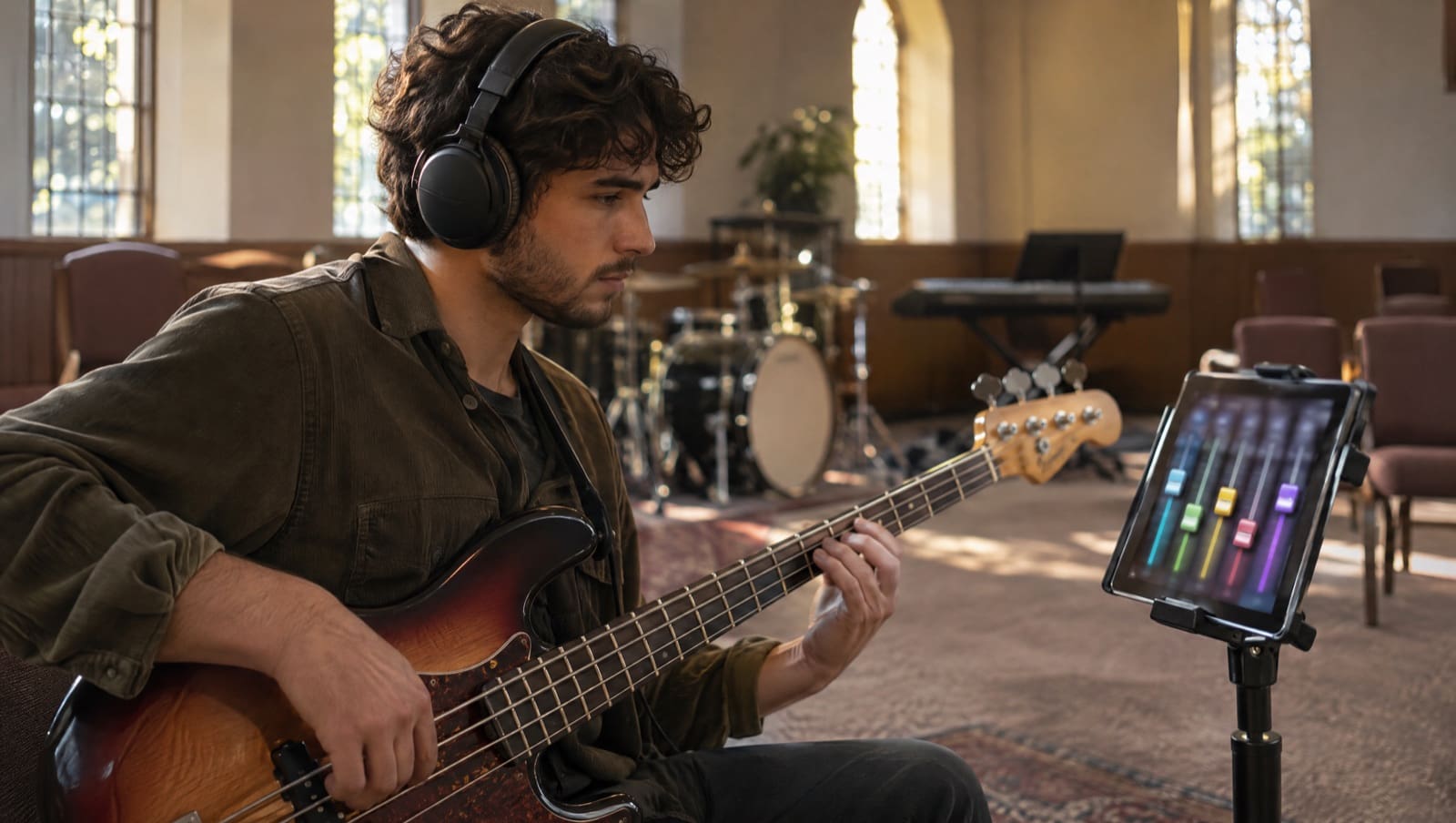
You need to isolate your part in a worship song by Thursday. Holy Forever is on Sunday’s set, and your leader has put you on Electric 2. On the recording, two electric guitars, two keyboards, bass, drums and a stack of vocals play at once. Somewhere in there is your part.
Here is the short answer. Open the song in Worship Online’s practice mixer and press Solo on your track. You hear your part on its own: Electric 2, Bass, Tenor or whichever track is yours. Then mute it and play along with the rest of the band, in any key you choose. The mixer is on 99% of Worship Online’s songs.
Hear your part, then learn it, with a free, no-risk 14-day trial.
Want to try it first? On a computer, open the demo song Way Maker by Leeland, click Mixer below the video, and give the tracks a few seconds to load. It opens without an account. You can also look up the songs on your next set in the song library.
Key Takeaways
- Solo your track to hear your part alone. Mute it to play along with the band.
- Each instrument and vocal part on the song has its own track, plus a click and a guide. On Way Maker that is 14 tracks, from Click to Choir 1.
- Every track has its own mute, solo, pan and volume, and the whole mix changes to any key.
- Each instrument part has a video lesson with a walkthrough and a real-time demo, and vocal videos teach the harmony lines. You hear the part in the mixer and learn it from the lesson.
- The mixer works on a computer and in the iPhone, iPad and Android apps, on 99% of songs.
On this page:
- How to isolate your part, step by step
- What’s on the mixer: Way Maker, track by track
- Six mixes to build before rehearsal
- Hear it, then learn it
- Practice in Sunday’s key
- For worship leaders
- Frequently asked questions
How to Isolate Your Part in a Worship Song
The Worship Online mixer works like your own sound desk for one song. Here is how to pull your part out of the mix.
- Open the mixer. Go to the song page. On a computer, the Mixer tab sits below and to the left of the video. In the app, it’s at the bottom of the song screen.
- Let the tracks load. It takes from a few seconds up to a minute, depending on your device and connection.
- Solo your track. Press S on your channel. Everything else drops away, and you hear your part alone.
- Set Sunday’s key. Click the key button under the mixer, which shows the original key, and pick Sunday’s key from the list.
- Mute it and play along. Take off the solo, press M on your track, and play or sing your part with the rest of the band.
- Leave it there. Your mix saves itself, so it’s waiting next time you open the song. Defaults puts every track back to the original mix.
You can skip back or forward 15 seconds with the arrow buttons, or drag the play bar to the section you’re working on.
Hear it alone first. Then play it with the band. That’s the whole method, whether you play or sing.
What’s on the Mixer: Way Maker, Track by Track
Here is the mixer on Way Maker by Leeland (original key E, 68 BPM), as it loaded on November 16, 2026.
| Group | Tracks on Way Maker |
|---|---|
| Timing | Click, Guide |
| Rhythm section | Drums, Percussion, Bass |
| Guitars | Acoustic 1, Electric 1, Electric 2 |
| Keys | Main Keys, Aux Keys |
| Vocals | Lead, Soprano, Tenor, Choir 1 |
That’s 14 tracks, each with its own mute, solo, pan and volume, plus a master fader. The click and the guide are tracks like any other, so you can turn them up, down or off.
The tracks follow the song, so the list changes from song to song. Holy Forever by Chris Tomlin has 13 tracks, with Lead, Soprano and Tenor vocals. Firm Foundation (He Won’t) by Maverick City Music has an Extra Keys 1 track next to Main Keys and Aux Keys.
Six Mixes to Build Before Rehearsal
Soloing one track is the start. The mixer lets you mute or solo any combination, so build the mix your part needs.
Electric guitar: your part, then theirs. On Holy Forever, solo Electric 2 and learn your line with nothing in the way. Then solo Electric 1 and hear what the other guitarist plays. Now you know where your part sits, and you won’t step on each other on Sunday.
Bass: you and the drums. Solo Bass to check every note. Then solo Bass and Drums together and hear how your line sits with the kit. When it feels locked in, mute Bass and play it yourself.
Keys: Main or Aux. Way Maker has a Main Keys track and an Aux Keys track. If you cover Aux Keys, solo it and hear exactly what it adds under the main part. Playing keys alone that week? Flip between the two and decide what to cover.
Vocals: your harmony, then the blend. On Way Maker, Lead, Soprano and Tenor each sit on their own track. Solo Tenor and learn the line without the melody pulling you off it. Then mute Tenor, bring back Lead, and sing your part against it.
Drums: the band without you. Mute Drums and Percussion. Keep the click and the guide up, and play the part with bass, guitars and keys.
Worship leader: a smaller band. No drummer this week? Mute Drums and Percussion and hear how the song feels with acoustic, keys and vocals. Worship Online’s help centre suggests exactly this kind of mix for an acoustic feel.
Hear It, Then Learn It
Hearing your part alone tells you what it sounds like. The lesson shows you how to play it: which fret, which voicing, which patch.
So Worship Online pairs the mixer with video lessons. Each instrument part comes with a detailed walkthrough and a real-time demo. On Holy Forever, Electric 1 and Electric 2 each have their own lesson, and so do Main Keys and Aux Keys.
- Guitar lessons cover what to play, what tone to use, and how your part fits in the full band.
- Keys lessons show the layers, patches and voicings used on the album.
- Vocal lessons teach the harmony lines note for note. On Gratitude by Brandon Lake, the vocal videos are All Vocals, Tenor and Alto.
- Guitar and bass tabs follow the video note by note.
Slow a lesson down when a run goes by too fast. Loop the four bars that keep tripping you up. Then go back to the mixer and play the part with the band.
The instructors have played for some of today’s most influential worship artists, including Kari Jobe, Lauren Daigle, Elevation Worship, Bethel, Chris Tomlin, Matt Redman, For King & Country, Cody Carnes and many more. Darren, a drummer at The Belonging Co., is quoted on Worship Online’s features page: “I’m constantly saying ‘Oh! That’s how they play that part!'”
Ready to hear your part and learn it in the same place? Start your free, no-risk 14-day trial, then find this week’s songs in the library and open the mixer.
Practice in Sunday’s Key
Your leader moves Holy Forever from Db down to C on Wednesday. On the mixer, click the key button (it reads “Original Key | Db”) and pick C from the list. The whole band plays back in C.
The chord chart changes key too, and so do the guitar and bass tabs. The video lessons are in the original key. Learn the part from the lesson, then rehearse it in Sunday’s key with the mixer, chart and tabs. Guitarists can read more in worship guitar tabs in every key.
You walk in already playing it in the key the band will use.
Where the mixer works
On a computer, the mixer runs in most browsers, with Google Chrome recommended first, then Safari and Firefox. On a phone or tablet, use the Worship Online app for iPhone, iPad or Android, which has the mixer built in.
For Worship Leaders: Send Each Player to Their Part
The mixer helps one musician. A setlist gets the whole band there.
On a team plan, you build Sunday’s setlist and assign each person a role: Electric 1, Electric 2, Bass, Drums, Main Keys, Aux Keys, or Lead, Tenor, Alto or Soprano vocals. Publish it and your team gets an email and an in-app notification, with the parts, keys and tutorials in one place.
Your tenor opens the song, opens the Tenor lesson, then solos the Tenor track in the mixer. Your second guitarist does the same with Electric 2. Rehearsal becomes refining, not reteaching.
Already comparing rehearsal audio services? Our Worship Online vs MultiTracks RehearsalMix comparison sets the two side by side.
Frequently Asked Questions
How do I isolate my part in a worship song?
Open the song in Worship Online, open the mixer, and press Solo on your track. You hear your part alone. Mute it to play along with the rest of the band. Each instrument and vocal part on the song has its own track, plus a click and a guide.
Which songs have the mixer?
Worship Online’s help centre says the mixer is on 99% of its songs, and the library holds 800+ songs. Open any song page and look for the Mixer tab.
Can I hear just my harmony part?
Yes, on songs where your harmony has its own track. On Way Maker, Lead, Soprano and Tenor each have a track, so you can solo Tenor and hear it alone. The vocal lessons teach the harmony lines note for note.
Can I change the key of the mixer?
Yes. Click the key button under the mixer and pick any key. The chord charts and the guitar and bass tabs change key too. The video lessons are in the original key. Here’s how the mixer works, from Worship Online’s help centre.
Can I use the mixer on my phone?
Yes, in the Worship Online app for iPhone, iPad and Android. On a computer, it runs in your browser.
What is the mixer for?
Learning and rehearsing your part. Worship Online’s features page calls it a personal virtual soundboard designed for learning: solo or mute any part, change the key, and adjust the mix to the way you learn.
Can I try the mixer before I sign up?
Yes. On a computer, open the demo song Way Maker by Leeland or Holy Forever by Chris Tomlin and click Mixer. Both open without an account.
How much does Worship Online cost?
The Solo plan is $18 a month. The Small Team plan is $37 a month for up to 5 members, or $7.40 each. Annual billing costs 25% less. You can start with a free, no-risk 14-day trial, with full access on every plan.
Hear Your Part Before the Band Does
You don’t need to dig your part out of a dense recording the night before rehearsal. Solo it. Learn it from the lesson. Mute it and play it with the band, in Sunday’s key.
Here’s what Worship Online looks like inside:
Start your free, no-risk 14-day trial of Worship Online. Find a song from your next set in the library and open the mixer. Solo your track, Electric 2 or Bass or Tenor, and hear it with nothing in the way. Open the lesson for your part and learn it step by step. Then transpose to Sunday’s key, mute your track and play along with the band. You get tutorials for 800+ songs, on a platform over 9,000 worship teams use. Walk into rehearsal already hearing your part.
Not ready yet? Start with a free resource
Pick your instrument. Each one is free.